User Sign In
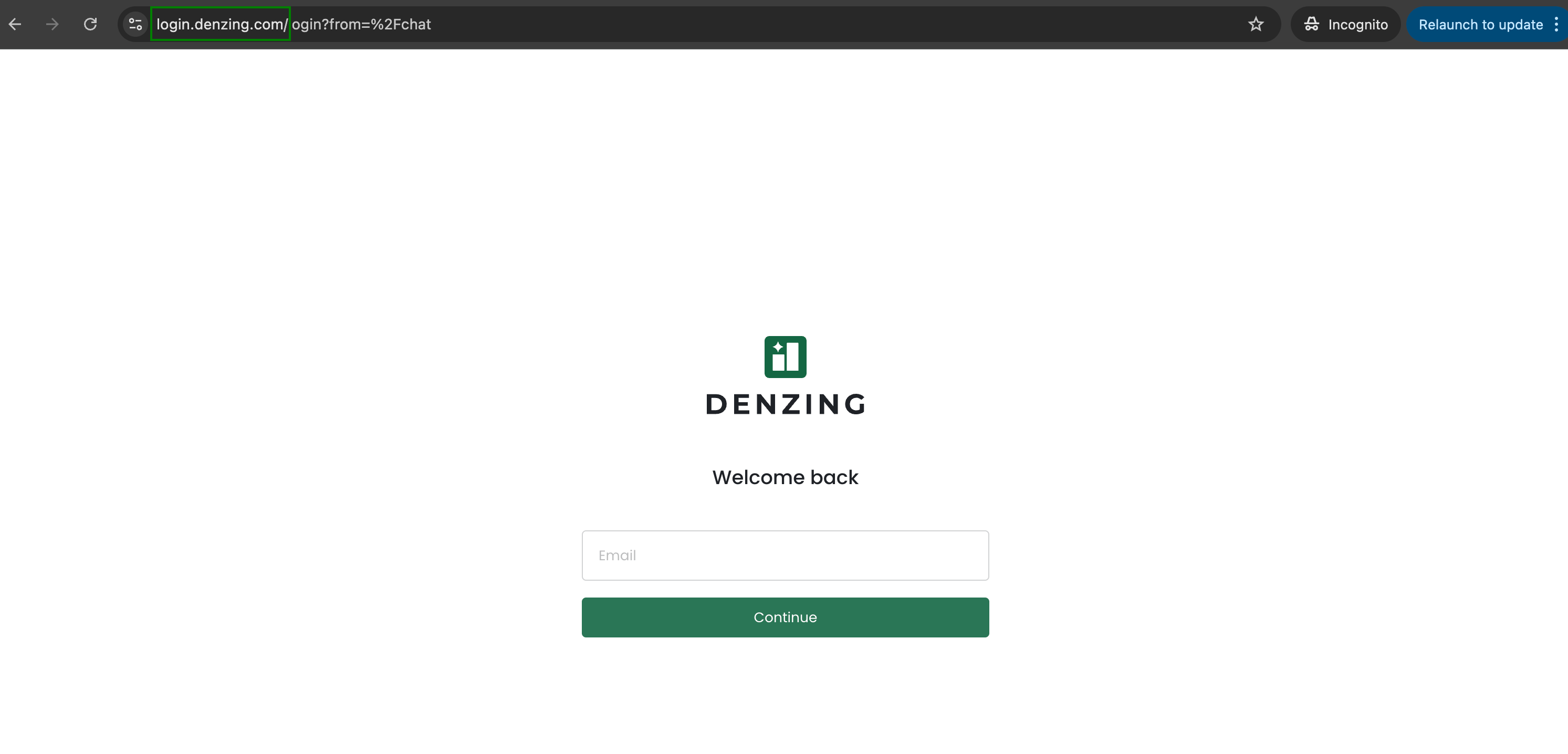
Step 1: Open the Sign In Page
Navigate to your Denzing sign in URL in your browser. The welcome screen appears with an email input field.
Step 2: Enter Your Email
Enter your registered email address and click Continue.
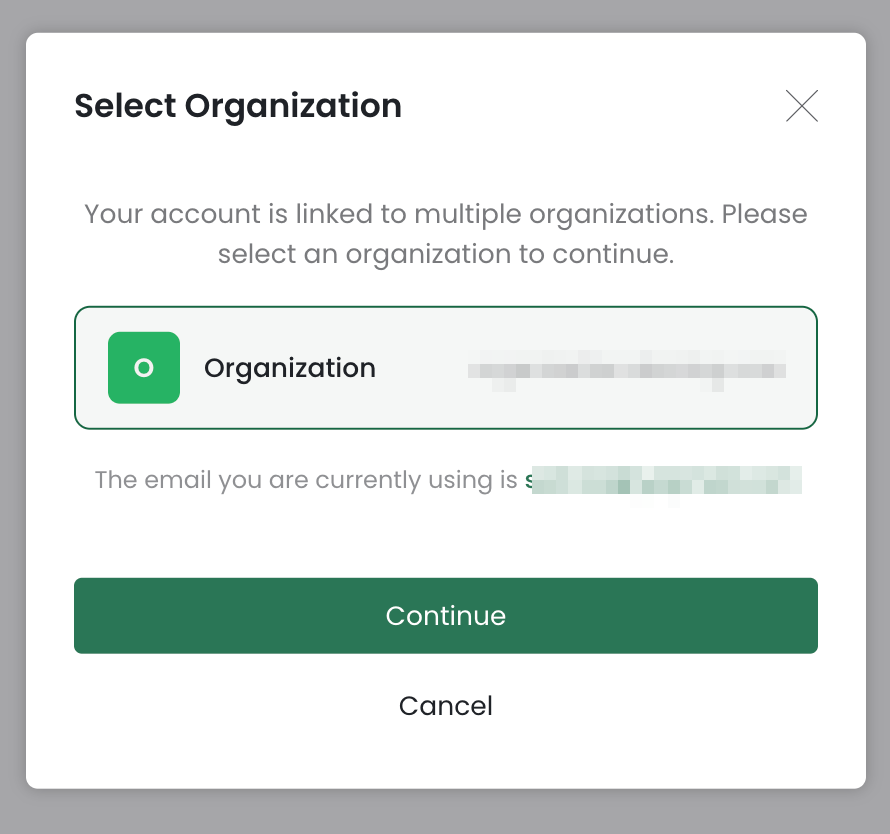
Step 3: Select Organization
If your account is linked to multiple organizations, select the appropriate organization from the list.
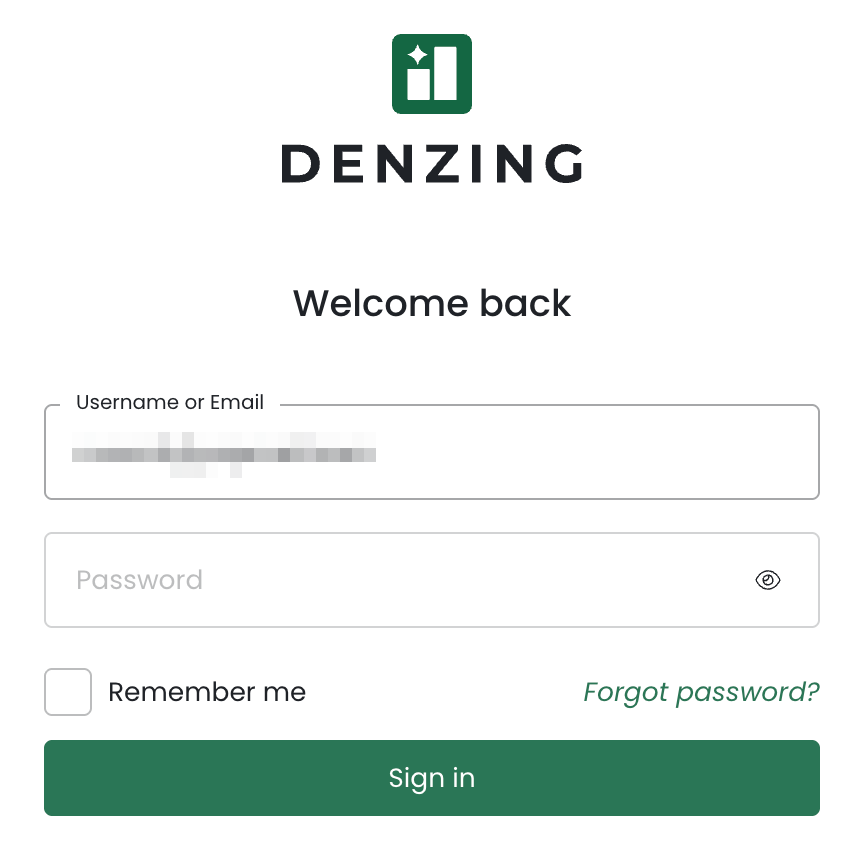
Step 4: Enter Your Password
Enter your password on the next screen and click Sign in.
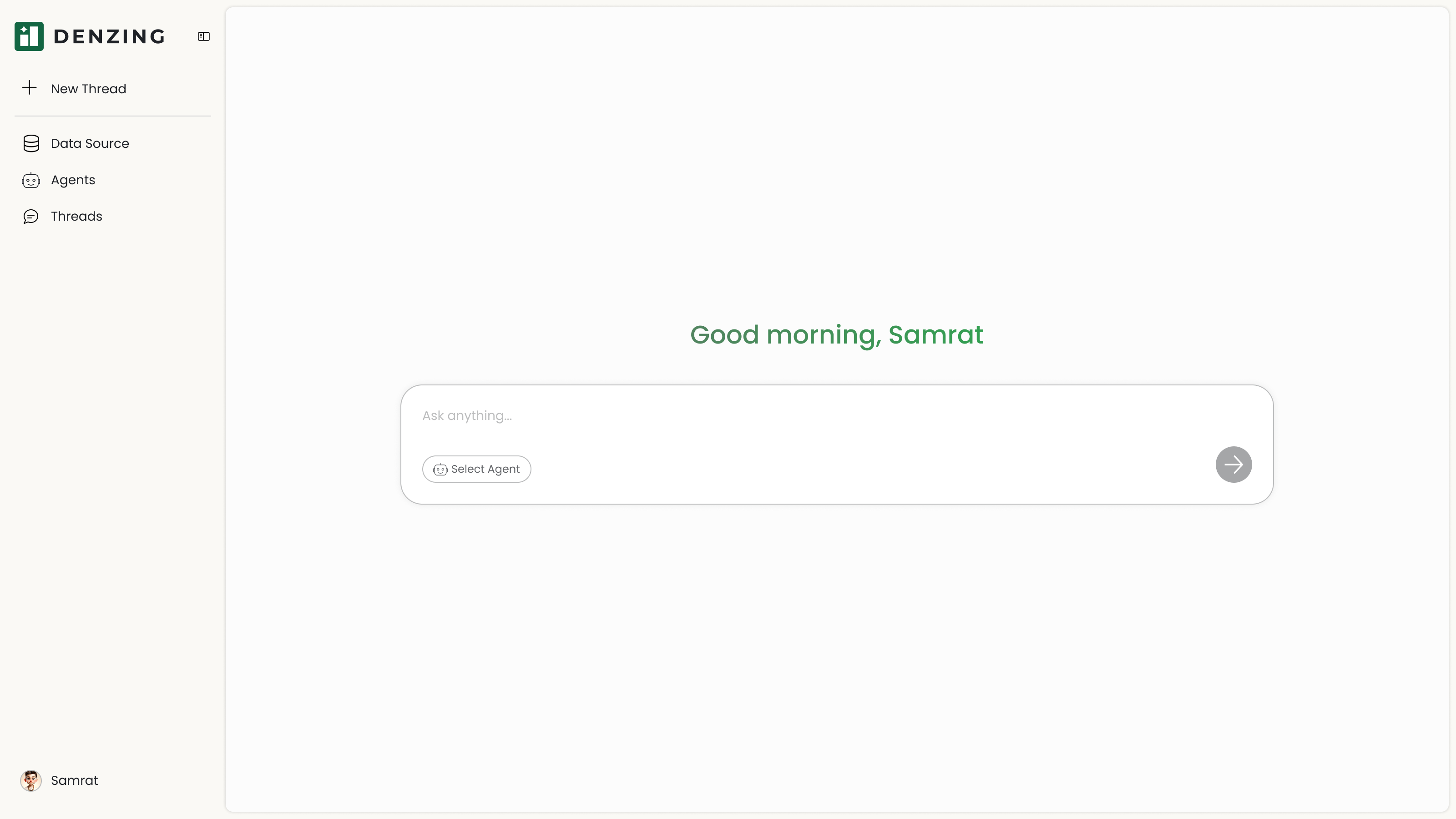
Step 5: Access Denzing
After successful sign in, you are redirected to the main chat interface. The sidebar provides access to threads, Agents, and data sources.